Apple Actually Went Ahead and Made a Touchscreen MacBook, Exactly 16 Years After Steve Jobs Said It Wouldn't Work
 10/30 2026
 584
584
On October 20, 2010, at Apple's Back to the Mac event, Steve Jobs reached a very firm conclusion about touchscreen laptops: "We've done a lot of user testing, and the results proved it doesn't work. Touch surfaces shouldn't be placed vertically. The demo looks great, but after using it for a while you get tired, and after prolonged use, your arm is about to fall off. It doesn't work. It's terrible ergonomically."
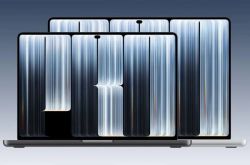
Sixteen years later, in the early hours of October 29, Apple released its first Mac with a touchscreen. The MacBook Pro with PROLED XDR display comes in 14-inch and 16-inch sizes, starting at 22,999 yuan for the 14-inch model in China and 27,999 yuan for the 16-inch model. Pre-orders begin at 9 a.m. on October 30, and sales start on November 6.
The person who called it terrible back then is no longer here. The people making the decisions have changed, but the product was still made.
01 What These 3,000 Yuan Buy Is Three Things
The touchscreen MacBook Pro does not replace the original mini-LED version; the two product lines are sold side by side. With the same chip, memory, and storage configuration, every tier of the touchscreen version costs 3,000 yuan more than the mini-LED version.
14-inch M5 Pro, 24GB memory, 1TB storage: the mini-LED version is 19,999 yuan in China, and the touchscreen version is 22,999 yuan.
What the 3,000 yuan buys is three things: an OLED screen, a screen you can touch with your finger, and a lighter body.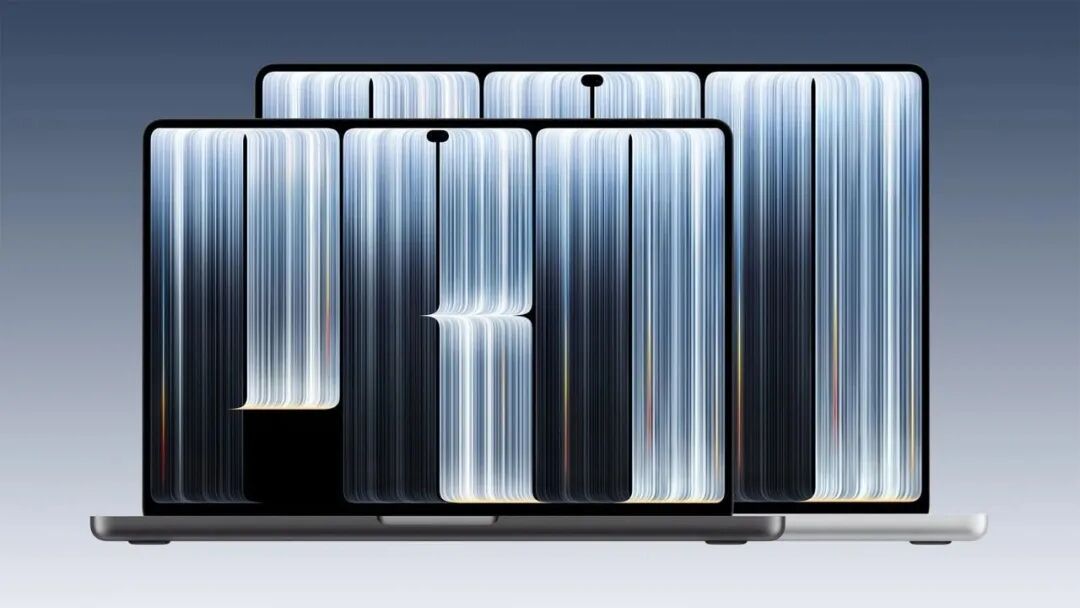
Image source: Internet
The 14-inch touchscreen version weighs 1.38 kg, 220 g lighter than the mini-LED version with the same chip; the 16-inch version is 320 g lighter.
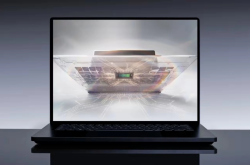
The screen itself is a tandem OLED, with a peak brightness of 2,000 nits, a 1 to 120Hz adaptive refresh rate, and touch sensors integrated directly inside the display panel rather than applied as an additional touch layer.
If you only want OLED and a lighter body, spending the 3,000 yuan is still somewhat reasonable.
If it is purely for being able to touch with your finger, then the calculation has to be done differently.
02 There Is Less You Can Do with a Finger on a Mac Than You Might Think
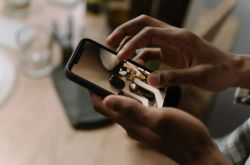
Most of the operations Apple has arranged for touch are short actions like tapping and swiping: sliding to scroll through web pages, pinching to zoom photos, double-tapping to make a window fill the screen, and lightly swiping to snap a window to the side of the screen.
More professionally, you can use your finger in Final Cut Pro to mark ranges and place clips, directly play the on-screen keyboard and drum pads in Logic Pro, and developers can test the touch performance of iPhone and iPad apps with a finger on the Mac.
This is not a radical change to the underlying logic.
macOS 27 did not rebuild the interface because of touch; the system directly translates finger taps into mouse clicks.
Most apps can be tapped with a finger on day one, but that is just using a finger instead of a mouse, not an interaction redesigned for touch.
Third-party apps such as Notion, Canva, Zoom, Word, Excel, PowerPoint, Lightroom, and DaVinci Resolve will gradually adapt to touch operations, but apps that truly use multi-touch to create something new are still few at present.
When responding to breaking Mac's stance of not making touchscreens, Apple's current CEO Ternus stated that the keyboard and trackpad remain the core interaction methods of the Mac, and touch is merely a supplement that is more comfortable and convenient in suitable scenarios.
This actually accurately describes the real role of touch on this machine: an optional secondary input method, not a redefinition of the Mac.
03 The Problem Steve Jobs Worried About Back Then Has Not Been Solved
In 2010, Steve Jobs opposed touchscreen laptops, and the core reason was ergonomics: a vertical screen is not suitable for long periods of finger operation, and the arm gets tired.
This problem still exists in 2026.
The maximum opening angle of the touchscreen MacBook Pro is 135 degrees; it does not support laying flat at 180 degrees, nor does it have a 360-degree convertible two-in-one mode. In a normal sitting posture, raising your hand to touch the screen for a long time still causes arm fatigue.
It is suitable for short annotations, fine adjustments, and circling selections during presentations, but not for completing work entirely with fingers. Apple has made some engineering compensations: it redesigned the hinge to reduce screen wobbling during touch, dynamically enlarged the menu bar and window control buttons, and adjusted the cooling system.
But these improvements make touch more usable; they do not make touch more suitable for long periods of use. The screen is still vertical, and the arm still has to be raised.
04 Who Exactly Is This Machine For
For users doing daily office work, coding, and word processing, the efficiency gain brought by touch is very limited. You spend most of your time on the keyboard, occasionally raising a finger to tap the screen, and the half second saved from moving the mouse hardly makes up for the 3,000 yuan price difference and the more expensive overall machine price.
The truly meaningful scenarios for the touchscreen version are creation and presentation.
Directly dragging clips on the timeline during hand drawing or video editing, making local fine adjustments with a finger during photo retouching, and circling annotations directly on the screen during meetings are more convenient than using a mouse and trackpad.
But there is an easily overlooked limitation: this generation of touchscreen MacBook Pro does not currently support Apple Pencil, and the screen cannot be laid flat to use as a drawing tablet, so the experience of drawing directly on the Mac is still limited.
It is more suitable for lightweight finger-based creation and presentations, rather than replacing a graphics tablet as a professional drawing tool.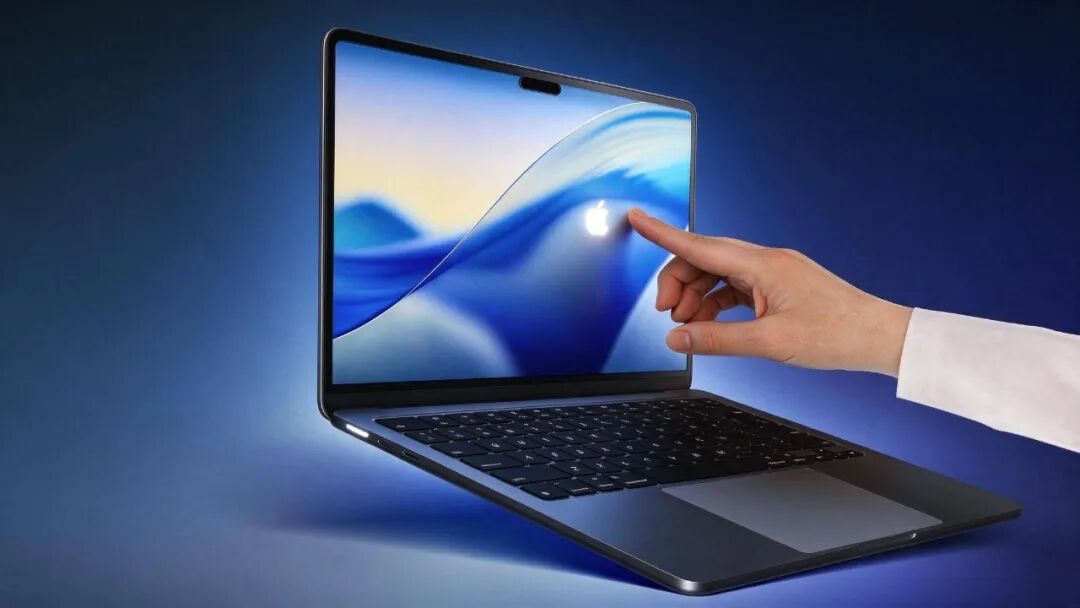
Image source: Internet
In other words, Apple did not make a touchscreen laptop.
What it made is an already expensive professional laptop that, in addition to OLED and a lighter body, gives you an extra finger. Those who can use it will find it worth it; those who cannot will feel they paid more for a screen they rarely use.
Steve Jobs said 16 years ago that touchscreen laptops are terrible ergonomically, and that statement still holds today.
Apple did not overturn it; it merely chose a narrower scenario in which touch becomes less terrible.
What was truly overturned is the product creed that the Mac will never touch screens, not Steve Jobs's judgment about the touch experience on vertical screens. #Apple #AppleMac
-
![]()
Phone Sales Hit a Ten-Year Low While Prices Keep Climbing—What's Going On?
-
![]()
Revenue of 94.14 Billion Yuan, Market Value of Only 89 Billion—Is Foxconn Industrial Internet Undervalued?
-
![]()
Microsoft Taps NVIDIA to Take On Apple Head-On: Redmond's High-End AI PC Gamble
-
![]()
DHS Leak Exposes 41,000 Employees: Undercover Agents and Grok Permission Groups Among the Casualties
-
![]()
Apple Actually Went Ahead and Made a Touchscreen MacBook, Exactly 16 Years After Steve Jobs Said It Wouldn't Work
-
![]()
Exclusive: The Two Turning Points That Sealed Xiaodu's Fate
-
![]()
Zhongji Innolight's Net Profit Triples: The Cash Flow Test Behind the AI Frenzy | Q3 Report
-
![]()
The $5 Billion Rumor and the $20 Million Floor Price: Character.AI's Death Ledger