
Why Is My Internet So Slow I Can’t Even Stream Videos When My Phone Shows Full Bars?
 10/21 2026
 428
428
Have you ever experienced this: your phone shows full signal bars and the 5G symbol is clearly visible,
but WeChat messages just keep loading without sending, videos take ages to buffer, and web pages remain stubbornly blank even after multiple refreshes. You try holding your phone higher, shifting your position, or moving closer to the window, yet the signal bars stay full while the internet speed remains frustratingly slow.
Full signal bars and fast internet speed are not the same thing.
Signal bars indicate whether you can connect to the base station, while internet speed depends on how much bandwidth the base station can allocate to you.
Several factors create a gap between these two indicators.
01 Signal bars measure signal strength, not internet speed
The signal bars on your phone screen represent the strength of the base station's signal received by your phone, measured in dBm.
This indicator only answers one question: how strong is the radio connection between your phone and the base station? Additionally, different manufacturers use different algorithms to convert signal strength into bars. Some phones display full bars at around -85dBm, while others only show three bars at -95dBm.
There is no universal standard for the dBm range corresponding to full bars.
Moreover, signal bars do not reflect how busy the base station is.
A base station has a fixed total bandwidth, much like a highway with a limited number of lanes. If 100 cars and 1,000 cars try to use it at the same time, the traffic conditions will be vastly different, but your car's dashboard won’t warn you about the congestion ahead.
If you are in a crowded area like a shopping mall, office building, concert venue, or subway station, the base station may be serving hundreds or even thousands of devices simultaneously, reducing the bandwidth available to each device.
Although the signal bars remain full because the radio connection is stable, the internet speed may drop to a few dozen KB/s due to exhausted bandwidth.
02 Frequency bands and carrier aggregation determine bandwidth availability
Besides base station congestion, another factor that most people overlook is which frequency band you are connected to.
5G networks operate across multiple frequency bands.
Low-frequency bands (e.g., 700MHz) provide wide coverage and strong wall penetration but have narrow bandwidth, typically only 30 to 40MHz.
Mid-frequency bands (e.g., 2.6GHz, 3.5GHz) offer larger bandwidth, with single carriers reaching up to 100MHz, delivering faster speeds but with limited coverage and weaker wall penetration.
Millimeter-wave bands provide extremely high speeds but only cover a few hundred meters and have not been widely commercialized in China.
If you are at the edge of signal coverage, your phone may automatically connect to a low-frequency band.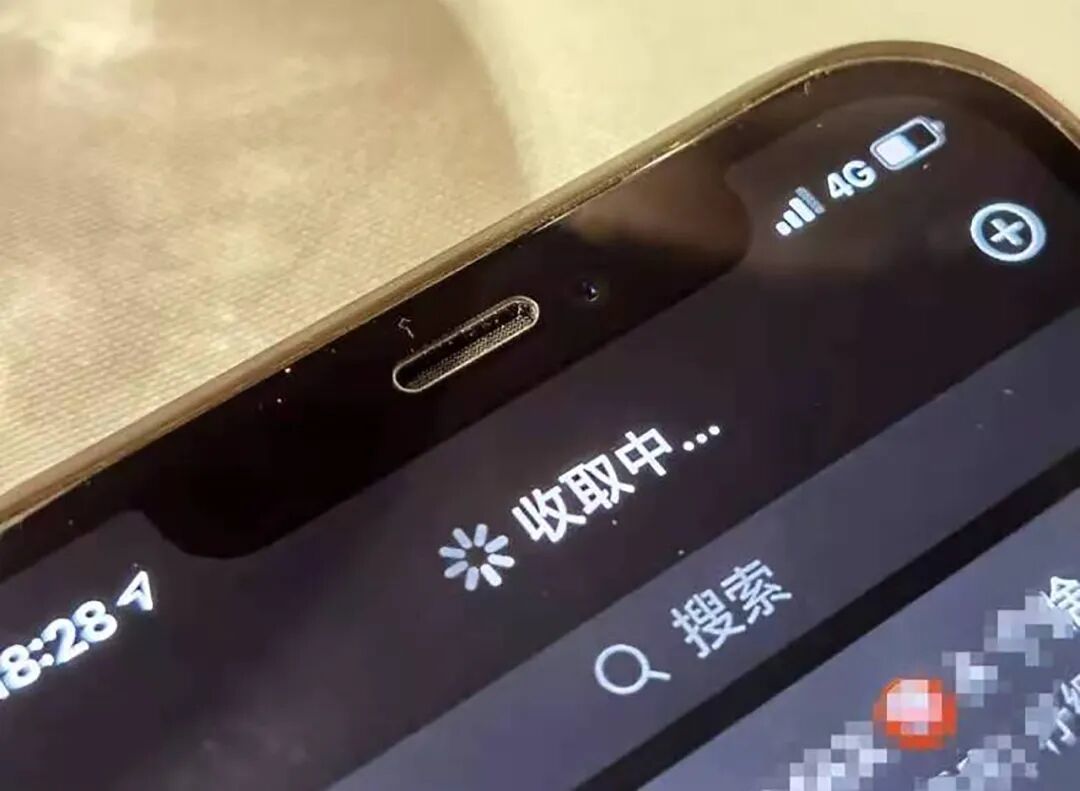
Image source: Internet
With a low-frequency band, the signal bars may be full, but the limited bandwidth keeps the internet speed low.
Only when you move closer to the base station and your phone switches to a mid- or high-frequency band will the internet speed truly improve.
Another technology affecting bandwidth is carrier aggregation.
It combines the bandwidth of multiple frequency bands, similar to merging several narrow lanes into one wide lane.
However, carrier aggregation requires support from both the base station and the phone, and it is not always enabled in all scenarios. Your phone may support it, but the base station at your location may not be configured for it, or it may be configured but not activated for your connection.
03 MIMO and user scheduling are the base station's internal allocation logic
Even if you are on the right frequency band and the base station is not congested, your internet speed is still subject to the base station's scheduling policies.
5G base stations use Massive MIMO to serve multiple users simultaneously.
The base station dynamically decides how many spatial streams to allocate to each device.
If your phone's antenna design is average or if you are in a location with complex signal propagation conditions (e.g., blocked by tall buildings or deep indoors), the base station may allocate fewer spatial streams to your device, limiting your internet speed.
More realistically, operators' user scheduling policies also play a role.
Under the same base station, users with higher priority will receive bandwidth allocation first, with users in real-time voice calls having the highest priority.
Ordinary users may be placed at the back of the scheduling queue during congested periods. Signal bars won’t tell you this, but your internet speed will.
04 Your phone may also be holding you back
Sometimes, the problem is not with the network but with your phone.
Your phone's antenna design, baseband chip performance, and thermal state all affect its actual internet speed.
If a phone is under high load (e.g., gaming, recording videos, navigating), the power consumption and heat generation of the baseband chip may increase, degrading network performance.
Tests show that devices automatically reduce processor speed when thermal stress is detected, directly limiting the speed at which web page data can be decoded.
If your phone case is fully metallic or contains large metal components, it may also block signals.
Image source: Internet
In tests, such cases may cause 5G signal strength to drop by 2 to 3 bars and download speeds to decrease by nearly 40%. If many apps are syncing data in the background, they may also preempt (compete for) bandwidth.
Another often-overlooked factor is the switching between Wi-Fi and cellular networks.
When Wi-Fi signals are weak, your phone may automatically switch to cellular networks, but this process may cause brief network interruptions or speed reductions.
You may think you are always connected to 5G, but in reality, your phone may be switching back and forth between Wi-Fi and 5G.
05 What can you do when the signal is weak?
Try changing locations. Move to a window, leave crowded areas, or head toward the base station to see if the internet speed improves. If it does, the issue is likely related to your location and base station congestion.
Manually switch network modes. Try switching from 5G to 4G in your settings. 4G base stations usually have more mature coverage and may be less congested, offering better stability than 5G in some scenarios.
Check your phone case and how you hold your phone. Metal cases, magnetic accessories, or holding your phone over the antenna area may affect signal reception.
Check your operator's network coverage map. You may be at the edge of base station coverage, with full signal bars but narrow bandwidth. Switching to another operator may solve the problem.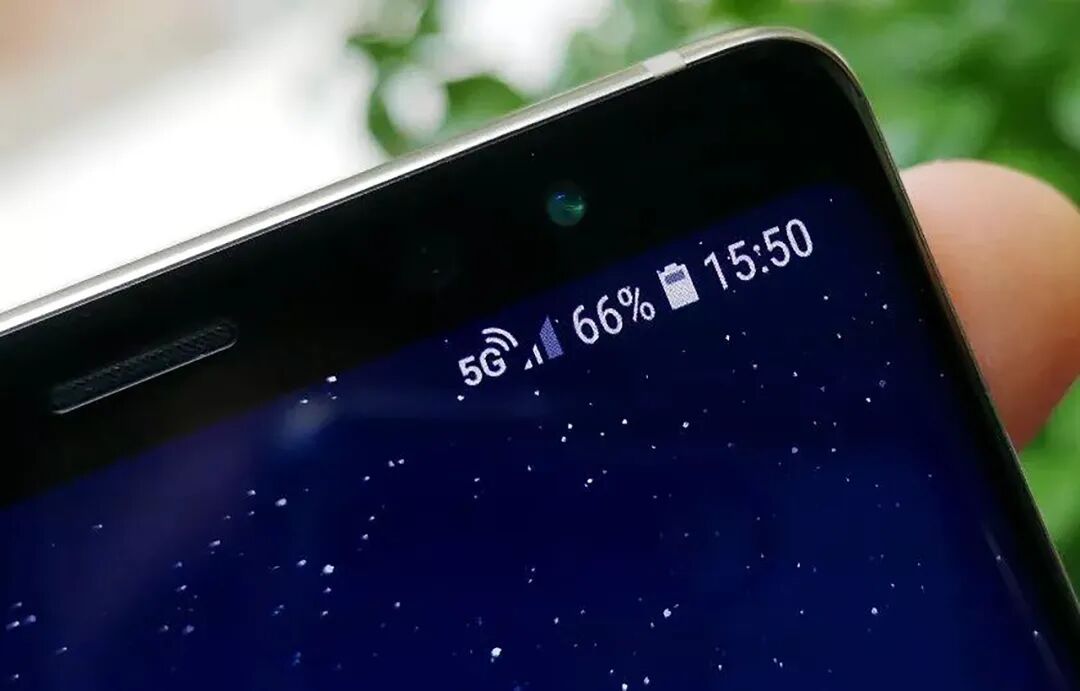
Image source: Internet
Don’t just rely on signal bars. Find your phone's settings for device information or network status to check the actual signal strength (dBm) and network type.
Signal bars are simplified indicators for ordinary users; dBm is the real data. -50dBm to -70dBm is excellent, around -85dBm is acceptable for calls, and below -100dBm significantly worsens the experience.
Full signal bars only mean you are connected; internet speed depends on how much bandwidth you are allocated.
Next time you see full signal bars but can’t load videos, don’t blame your phone immediately. First, check how many people are competing for the same base station around you. #CellPhoneSignal
-
New Chips Frequently Emerge, RISC-V Fuels the AI Era
-
Raccoon Carries SenseTime to the Top of the AI Wave
-
Huaqiangbei-Based Company Replicates Huawei’s Popular Wide Straight Slab Phone
-
![]()
Optical Manufacturing Drives Life and Health Forward! Goertek Optics and Nearview Technology Forge Strategic Alliance
-
RMB 37.49 Billion Long-Term Contract: What Is Xiechuang Data Wagering On?
-
![]()
Why, After 34 Years, Has the Former Color TV Leader Reached the Point of Delisting? "Konka, Delisting, Color TV, Price War, China Resources"
-
![]()
Xiaomi Restructures Business, Eyes AI as Next Growth Engine
-
![]()
Amid Business Reorganization, Xiaomi Sets Sights on AI for Future Growth